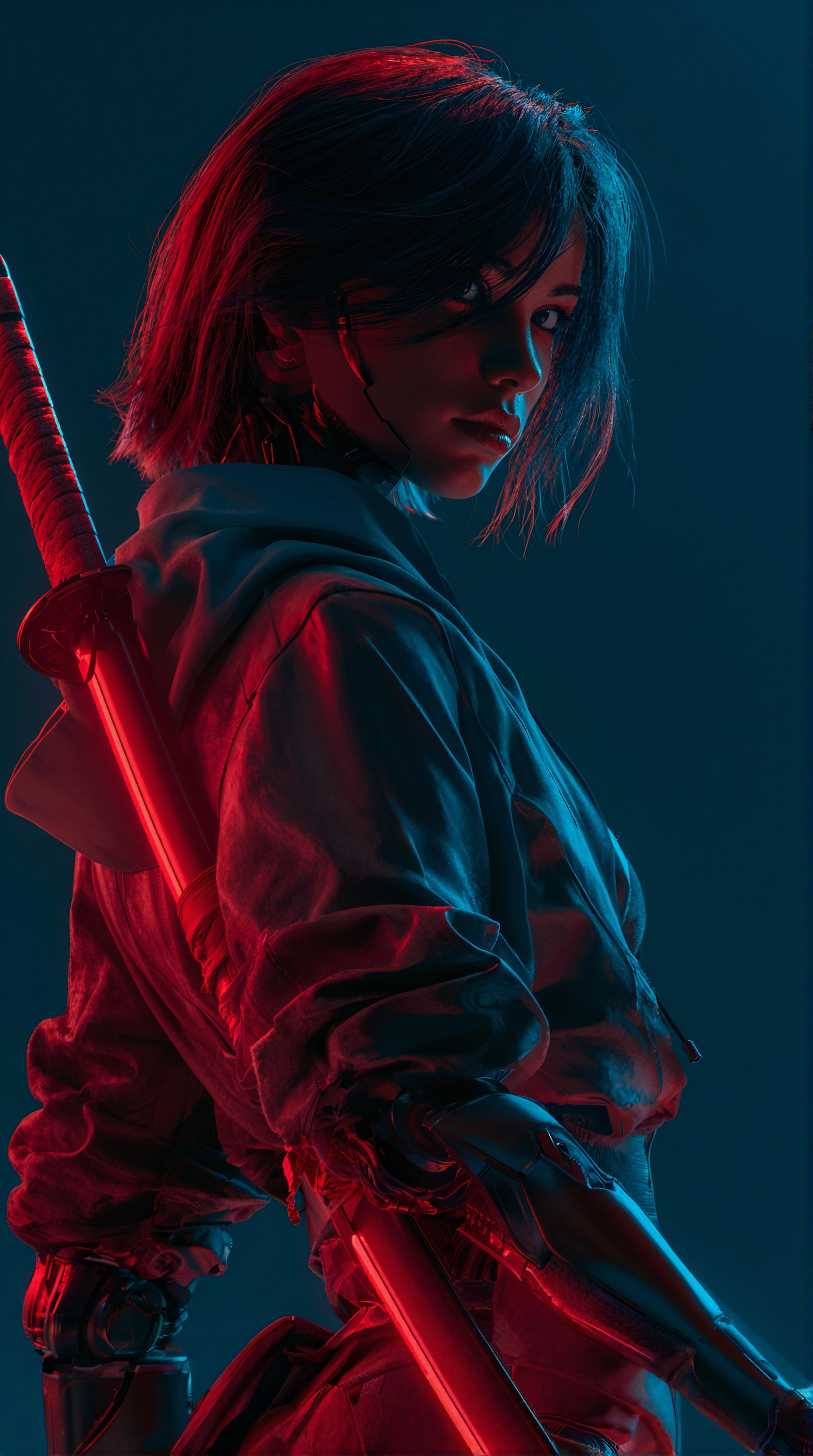
This ComfyUI workflow generates short videos—up to 15 seconds—using the Grok model, with an automatically synchronized audio track. At its core is the GrokVideoNode, which accepts either a pure text prompt (text-to-video) or a starting frame from LoadImage (image-to-video). The node handles inference and returns a ready-to-save video clip that pairs the visuals with audio produced by the model. SaveVideo then writes the result to disk as a standard video file, preserving the embedded audio when present.
Technically, the workflow is minimal and direct: LoadImage (optional) feeds an initial frame into GrokVideoNode, which synthesizes the motion and soundtrack from your prompt and/or reference image, and SaveVideo commits the output to a file. Keeping duration capped at 15 seconds ensures responsive generation and stays within the model’s capabilities. The result is a practical pipeline for rapid concepting, animating stills, or creating short social-ready clips without leaving ComfyUI.
Frequently Asked Questions
For text-to-video, enter your prompt in GrokVideoNode and leave LoadImage disconnected. For image-to-video, load a still in LoadImage and connect it to GrokVideoNode so the model uses the image as the starting frame.
This workflow is designed for clips up to 15 seconds, matching the Grok model’s intended range. Keep your duration at or under 15 seconds for reliable results.
GrokVideoNode produces a video with synchronized audio, and SaveVideo preserves it when saving. If you need custom audio, export the video and replace the soundtrack in your video editor. The provided workflow does not include an audio import/replace node.
If GrokVideoNode exposes a seed or randomness control, set and reuse the same value across runs. Also keep prompts, duration, and the starting image (for image-to-video) unchanged to maximize repeatability.
Seedance 2.0: Reference to Video


Z-Image-Turbo Text to Image

Grok: Image Edit

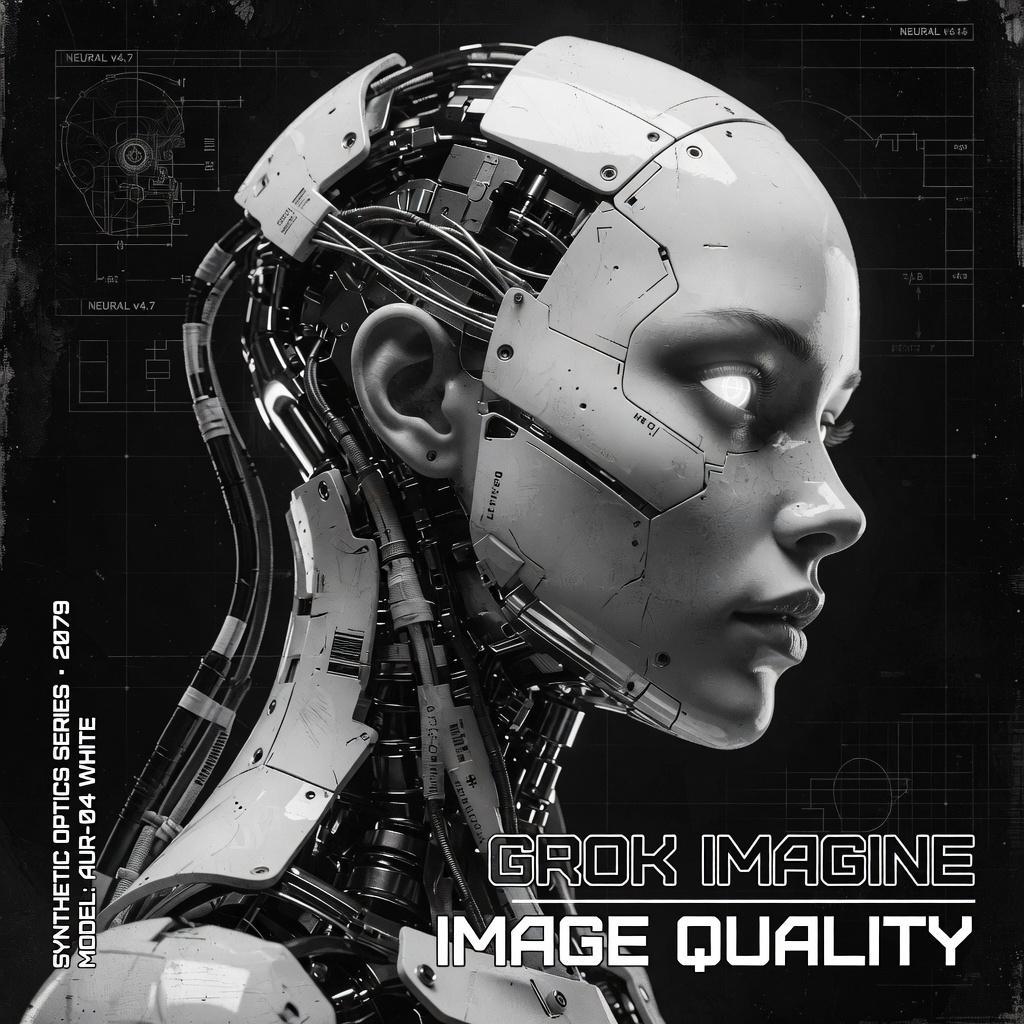
Grok Imagine Image Quality: Generation
LTX 2.3 - Lipdub LoRA + Voice Clone
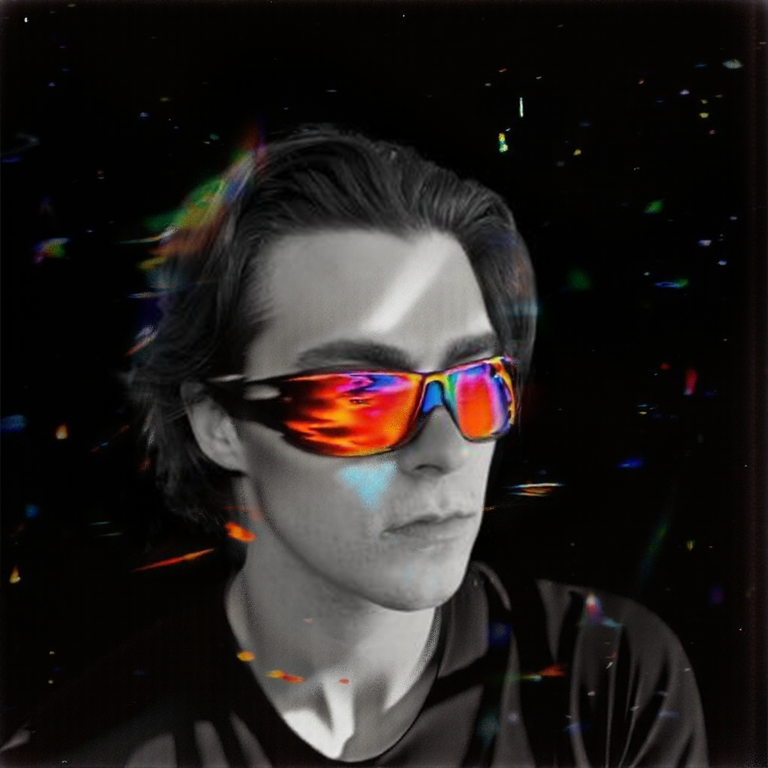
1 image input Split Stack - Qwen Multiangle + Wan 2.2
SCAIL-2: Character Replacement
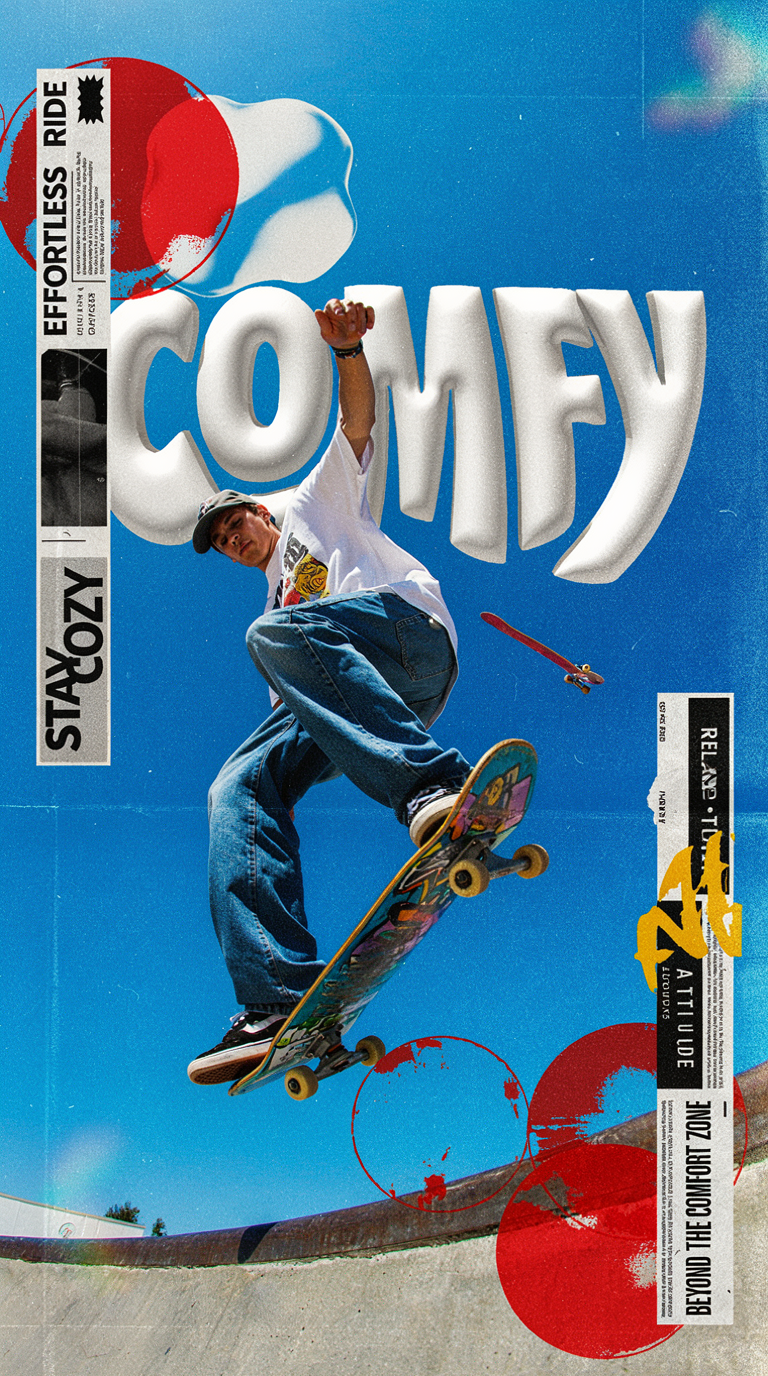
Ideogram v4: Text to Image
Googly Eyes

Seedance 2.0 - Viral Videos Character Swap
Seedance 2.0 Reference to Video - Concept Art + Stop Motion Style

Nano Banana 2: Image Edit

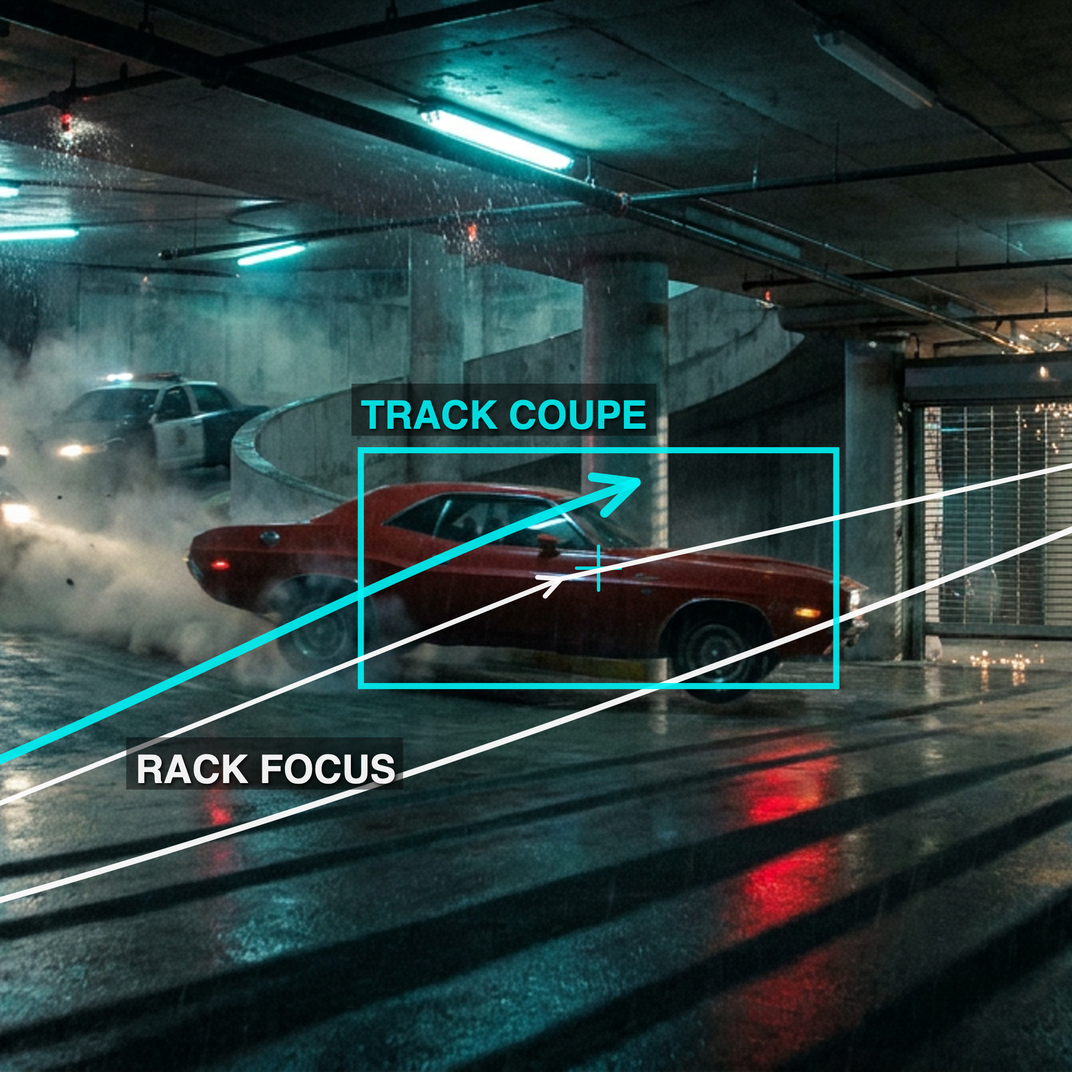
cinematic_annotate_video
Beeble SwitchX: Video Edit
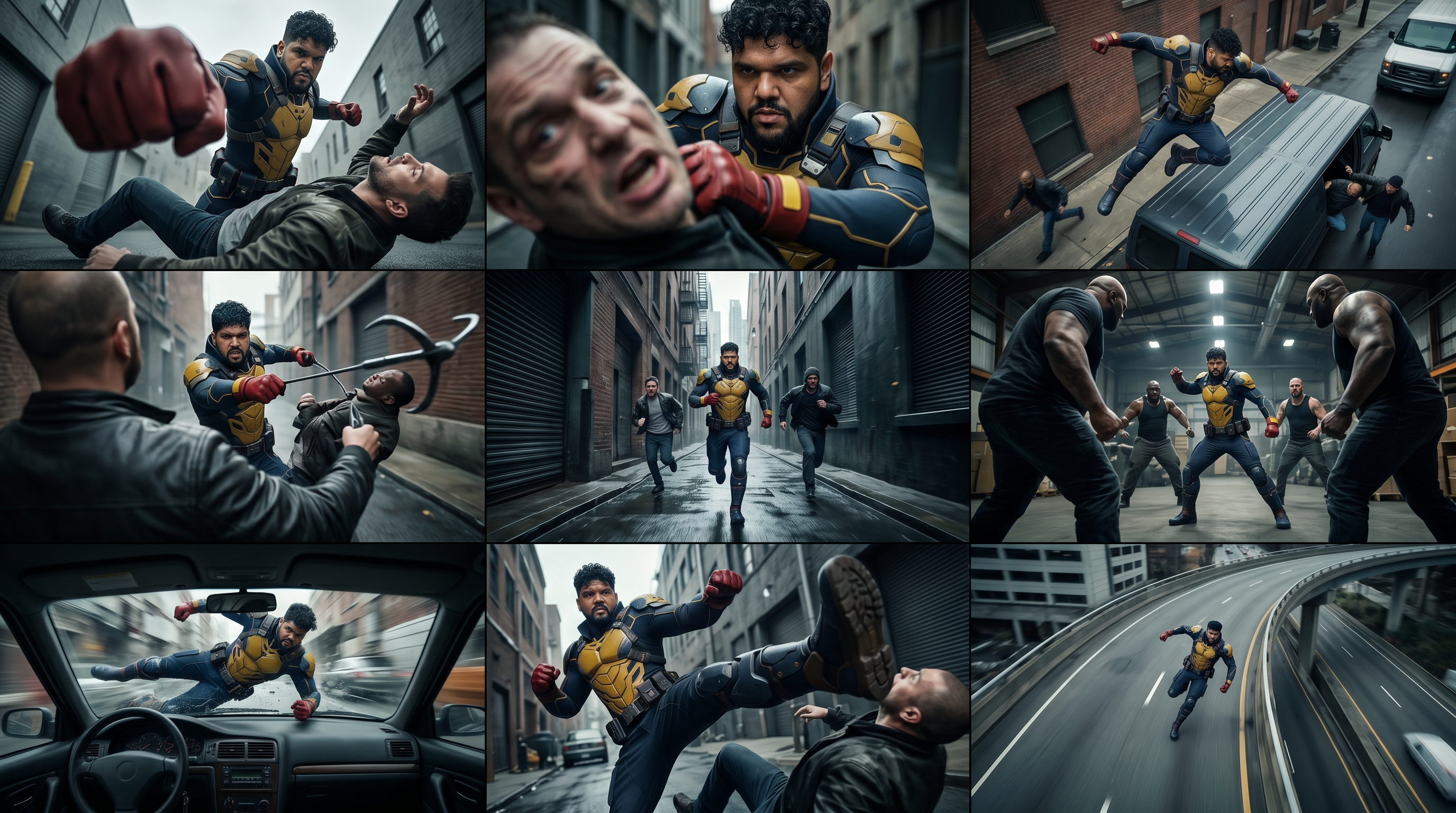
3x3 Contact Sheet

Restore Archival Footage - LTX 2.3 Dearchive LoRA
Remove Object from Video - LTX 2.3 Obscura Remova LoRA
Stylize Video - Frame by Frame - Flux.2 Klein 4b


Seedream 5.0 Lite: Image Edit
Utility Video Upscale
1 image input Split Stack - Nano Banana 2 + Kling 3.0
Stable Audio 3.0 Medium Base
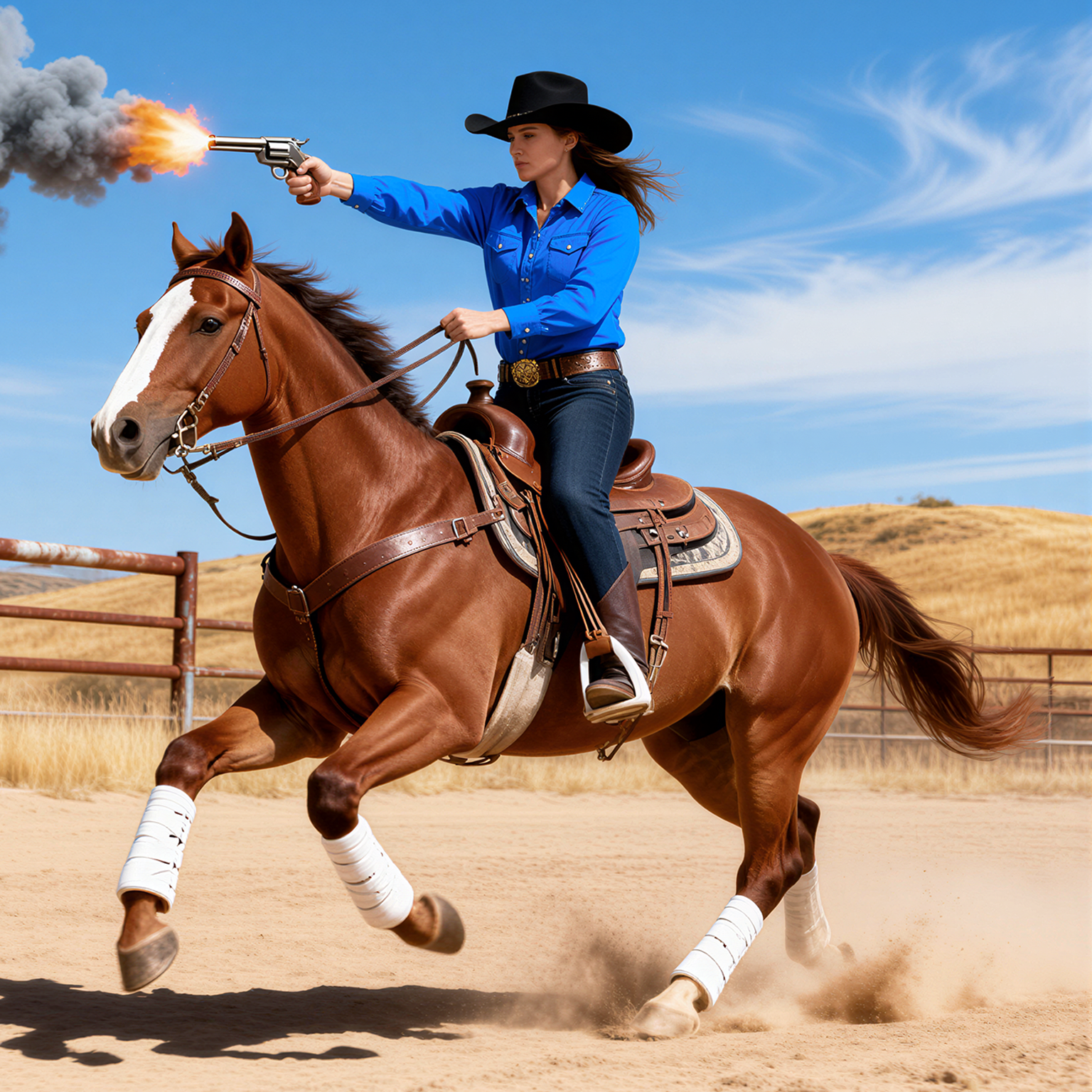
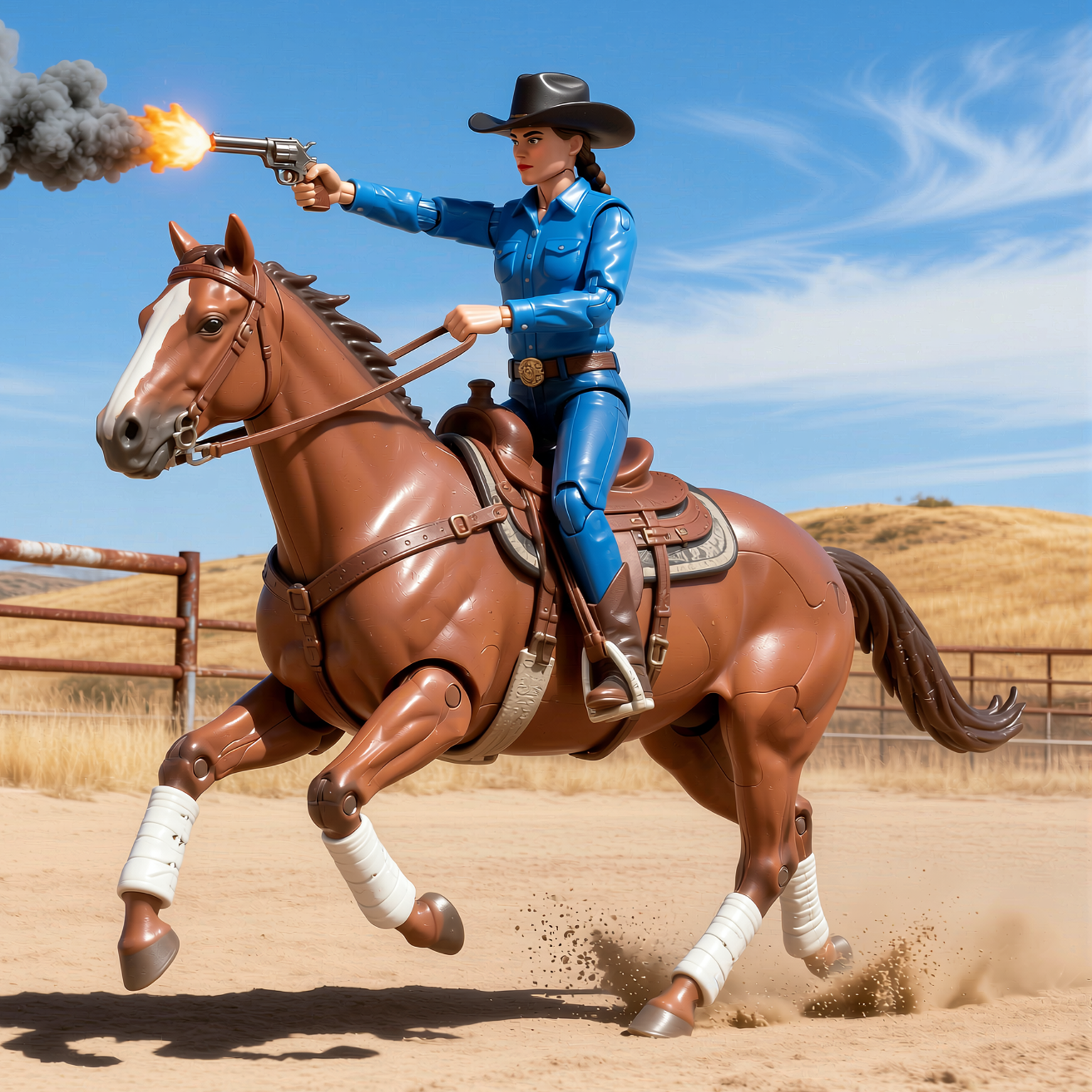
SYSTMS ACTION: QWEN IMAGE EDIT 2511
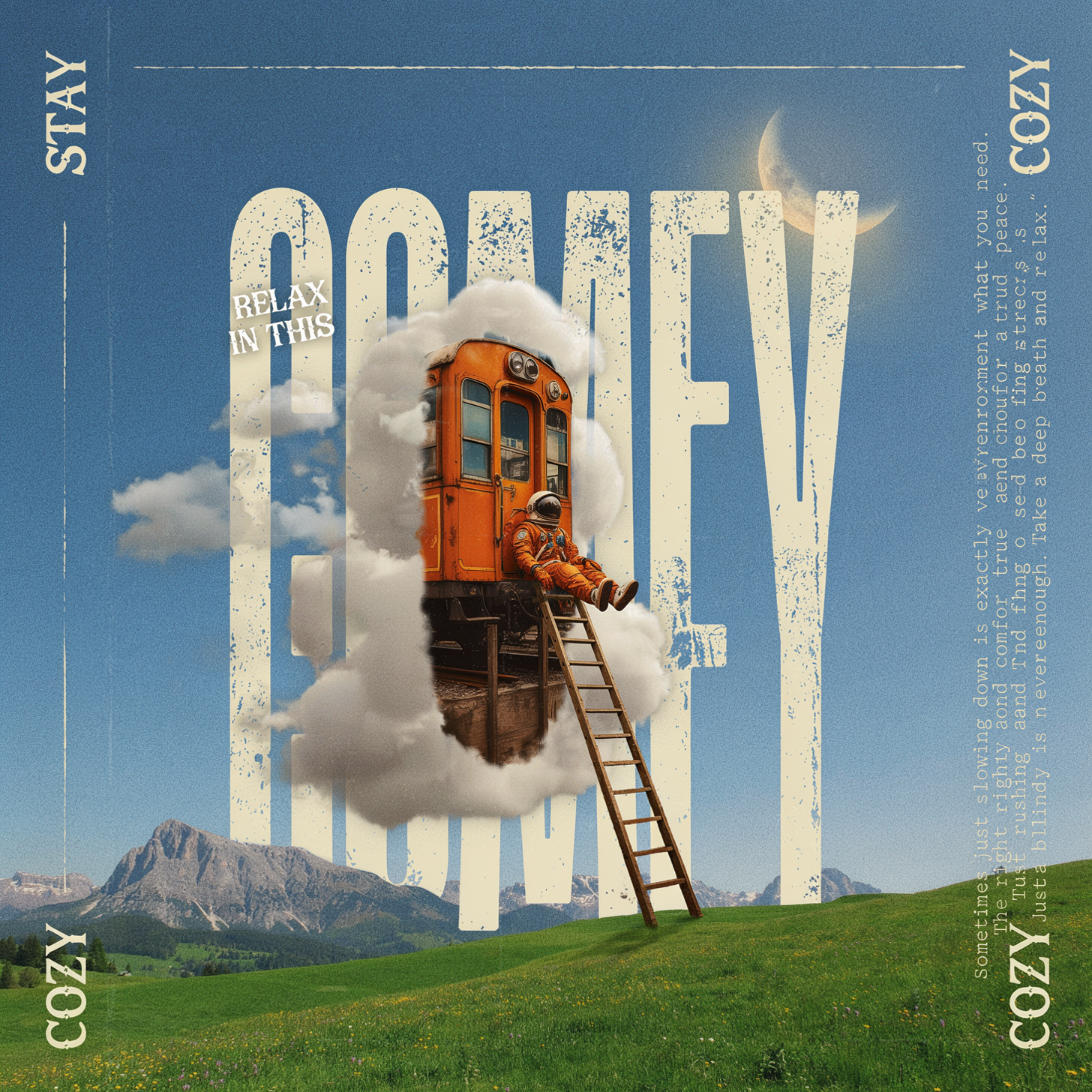
Ideogram v4: Text to Image (API)
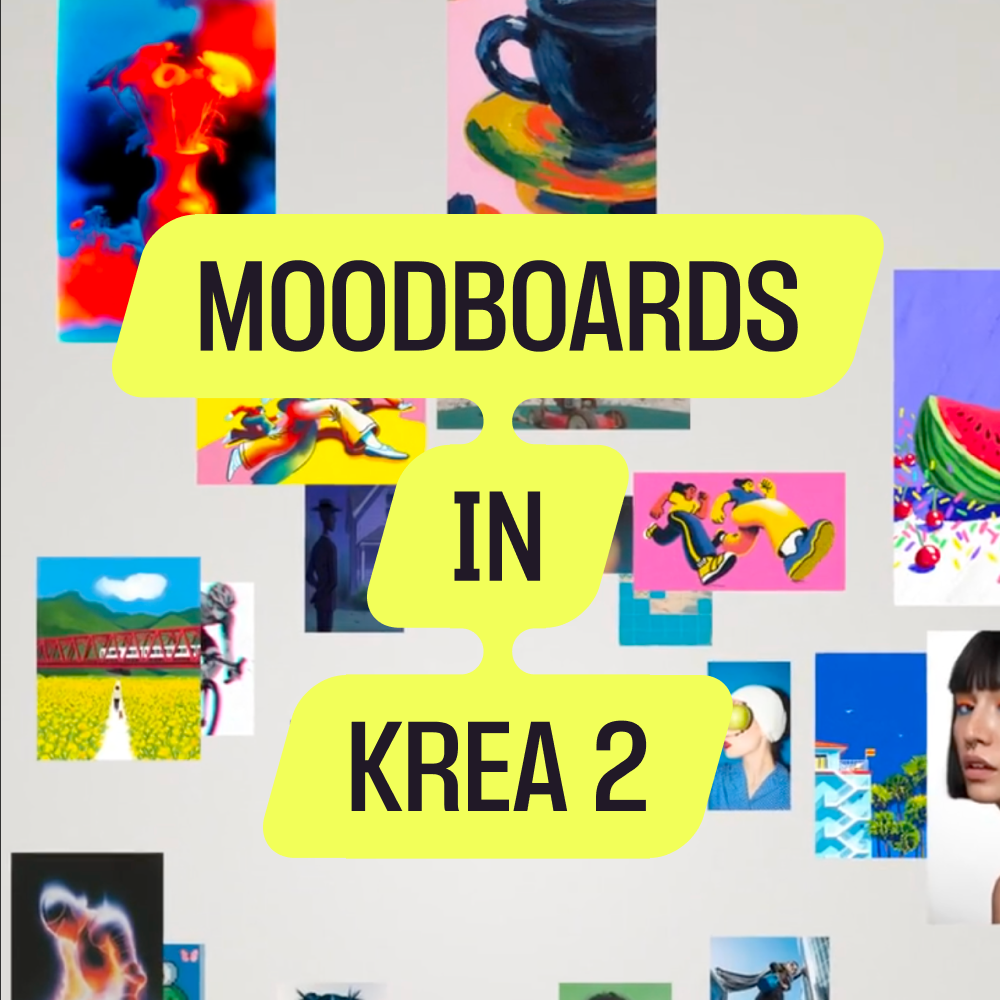
Krea 2 Moodboards