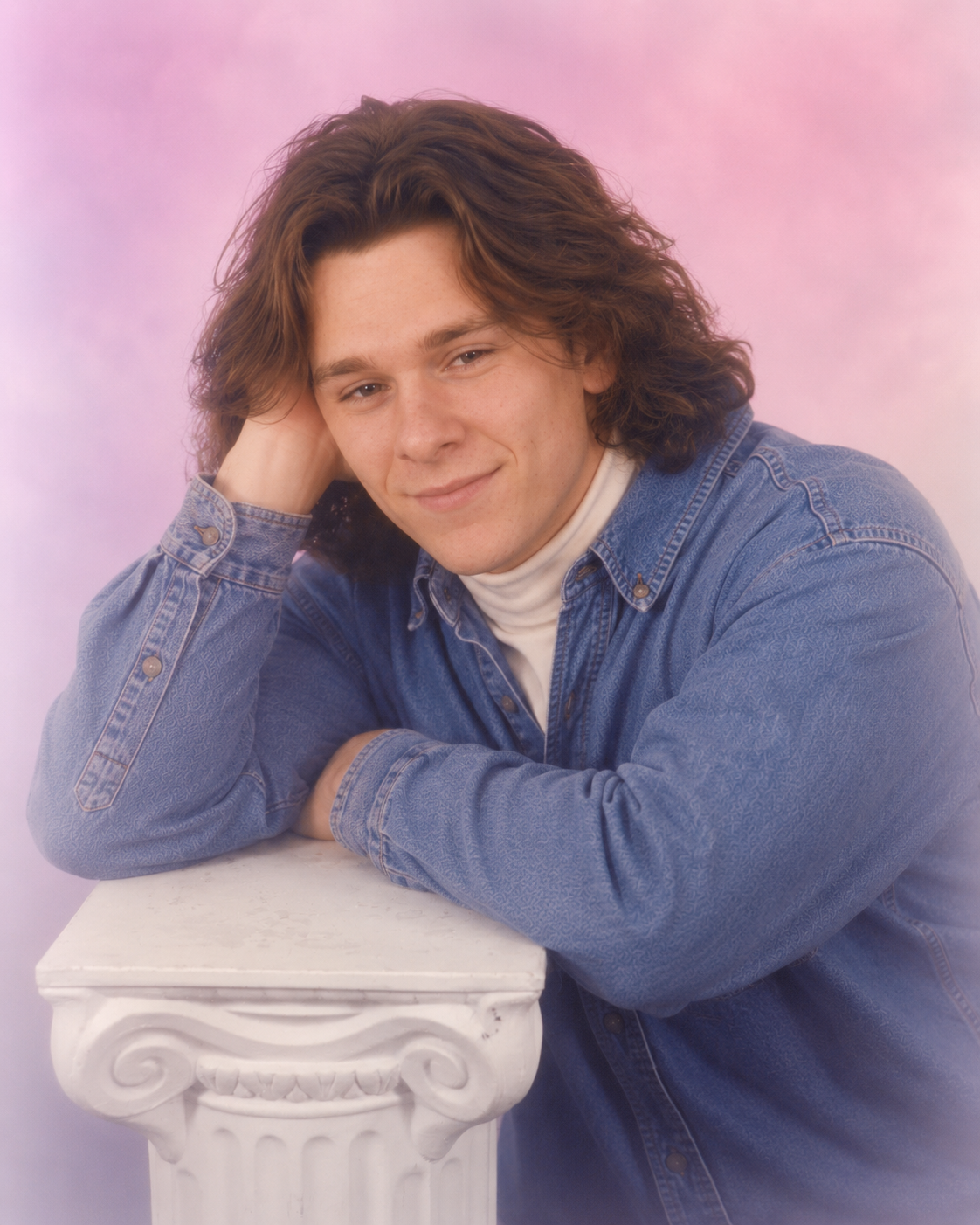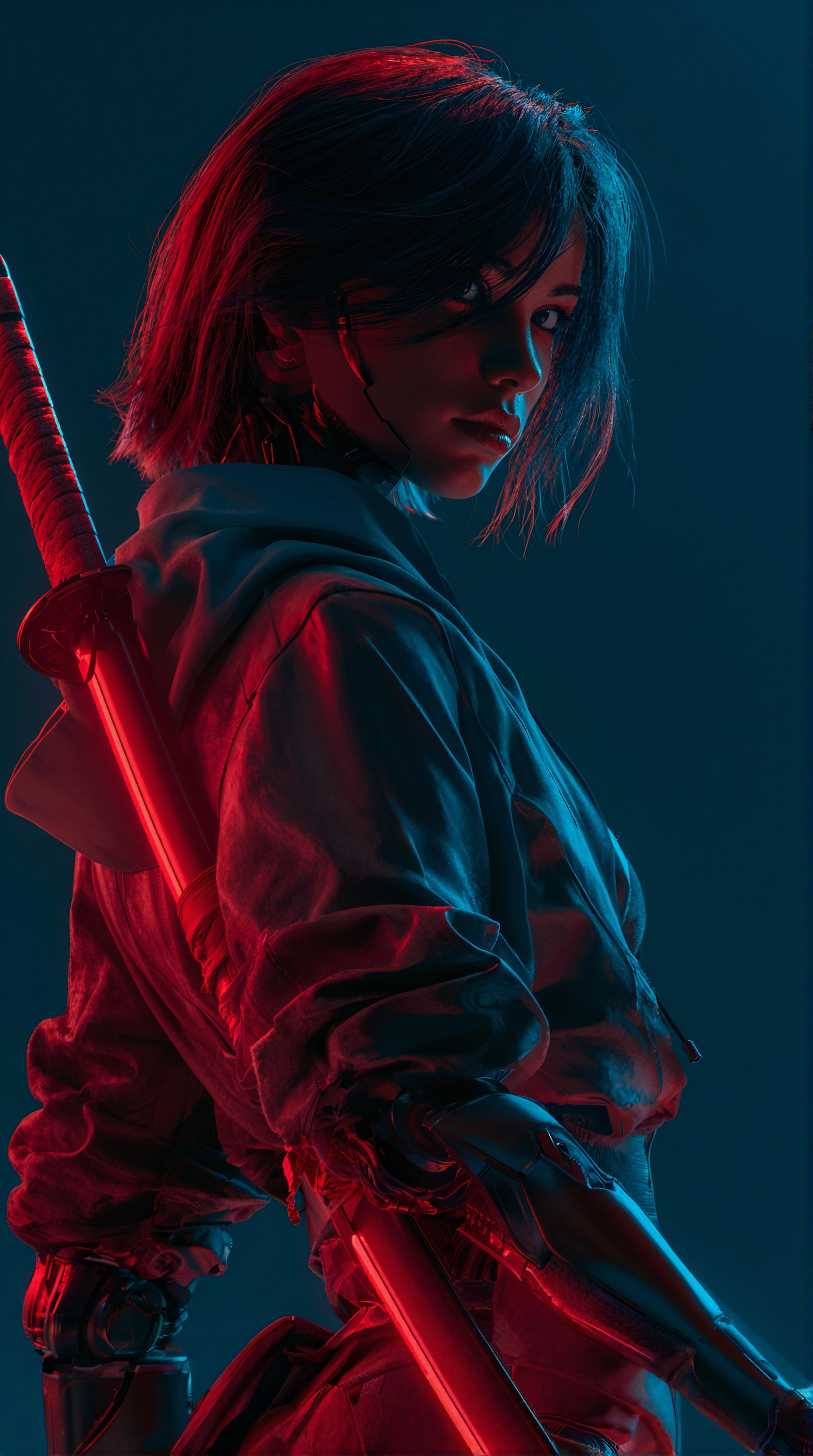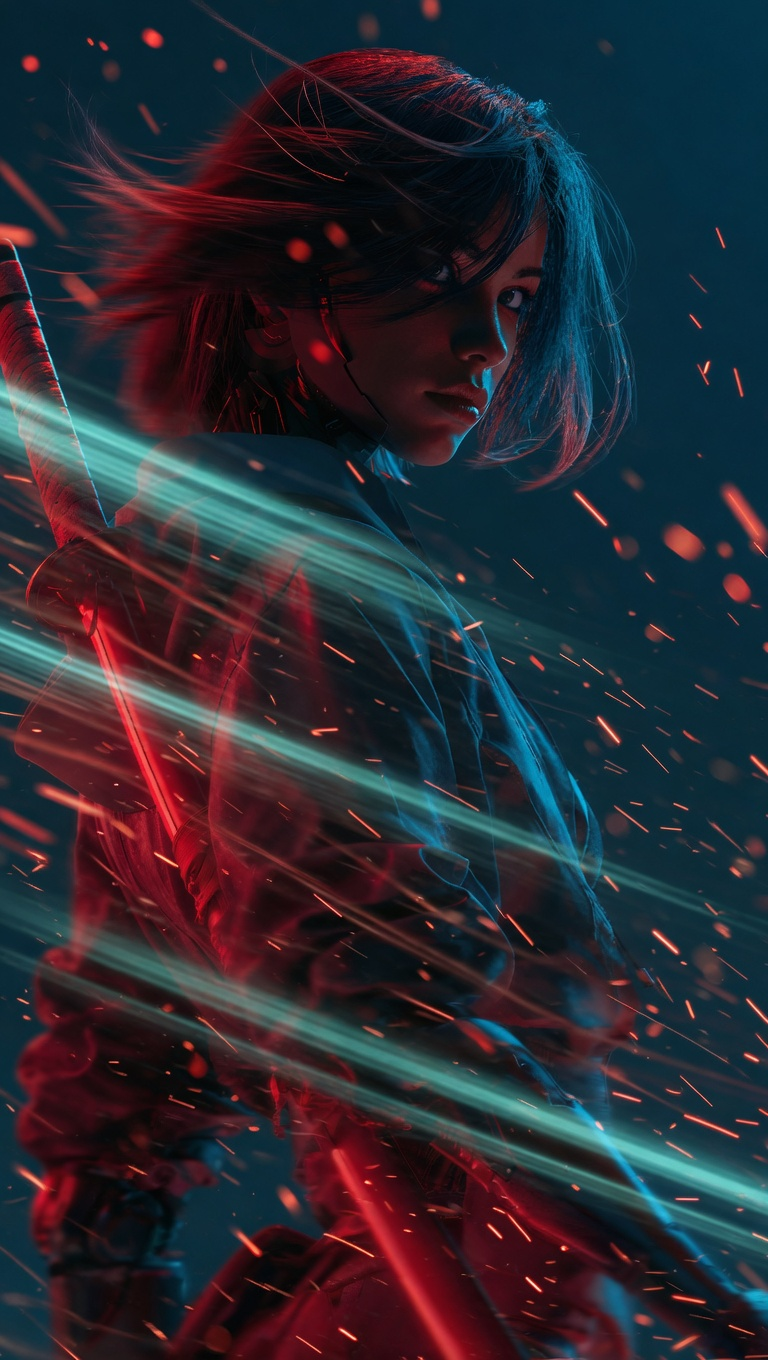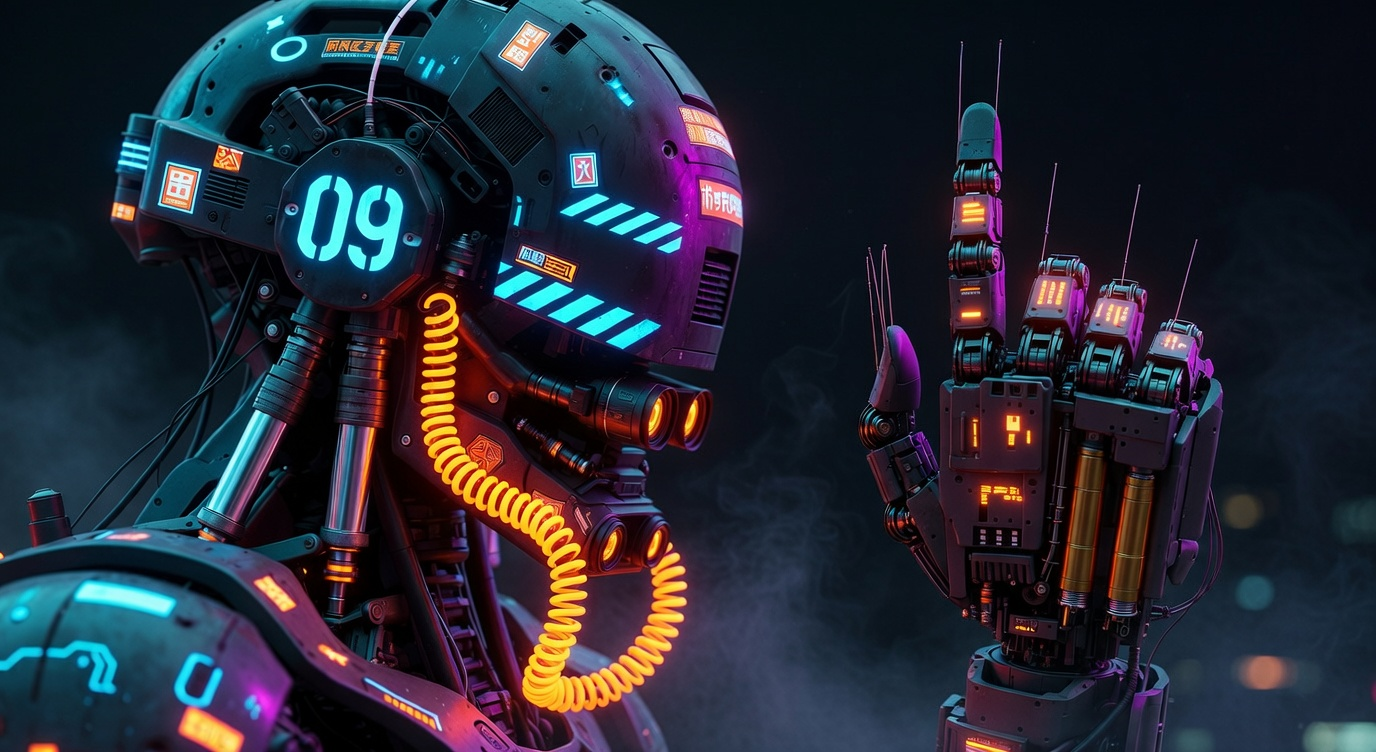
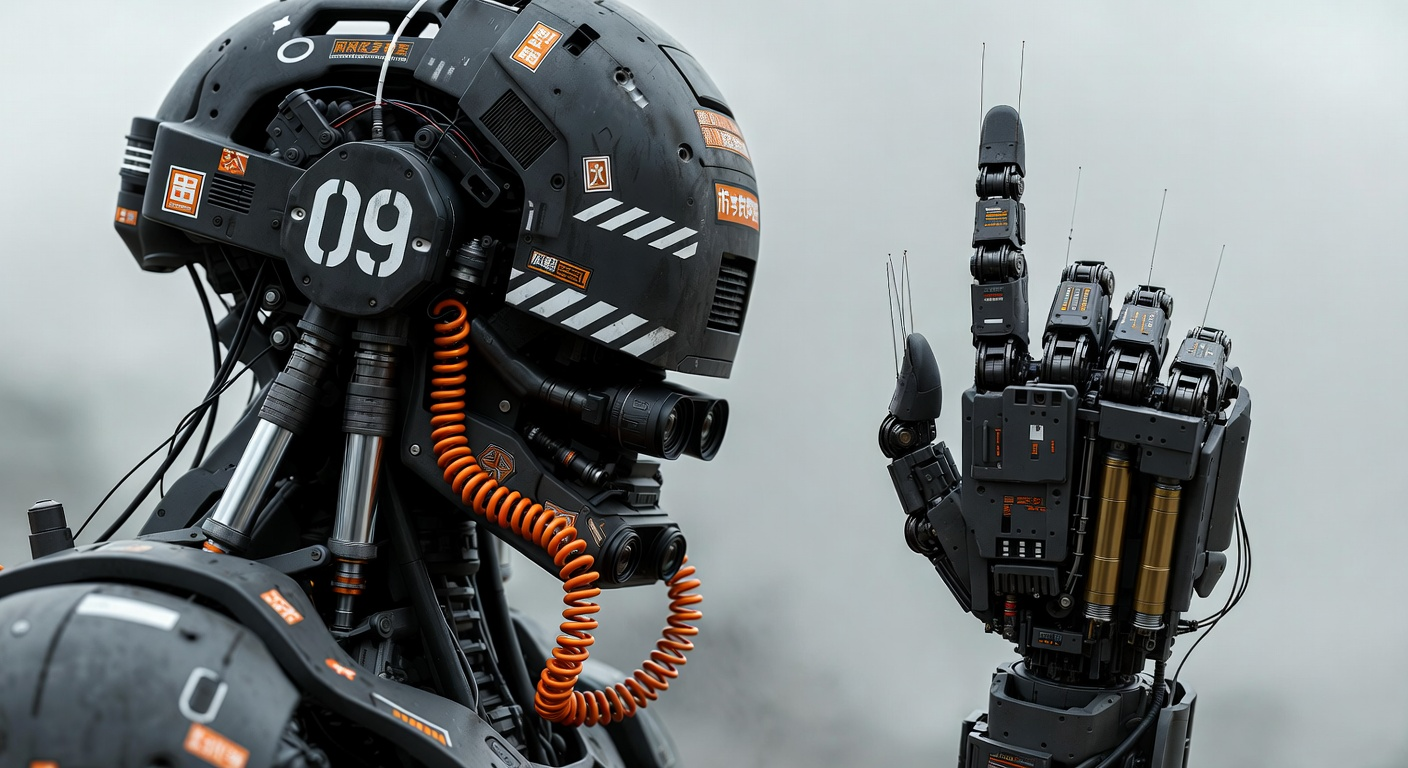

The 'Grok: Image Edit' workflow is designed to empower users with the ability to transform their images into expressive, cinematic visuals using the Grok model. This workflow leverages the GrokImageEditNode, a specialized node that applies advanced image editing techniques to enhance and modify images. By uploading an image, users can generate a modified version that exhibits enhanced visual storytelling and dramatic effects. The workflow also includes nodes such as LoadImage and SaveImage, which facilitate the seamless loading and saving of images, ensuring a smooth user experience.
Technically, the GrokImageEditNode applies a series of transformations that are optimized for creating visually striking images. This node is particularly useful for users looking to add a cinematic touch to their photos, whether for personal projects, professional portfolios, or creative storytelling. The workflow's integration with the Grok model ensures high-quality results that maintain the integrity of the original image while introducing artistic enhancements.
Frequently Asked Questions
Images with clear subjects and good lighting tend to yield the best results, as the Grok model enhances details and adds dramatic effects.
Yes, the GrokImageEditNode allows you to configure settings to control the intensity and style of the effects applied to your image.
Currently, the workflow is optimized for single image edits. For batch processing, you may need to run the workflow multiple times or explore automation options.
The workflow primarily supports common image formats like JPEG and PNG. For non-standard formats, consider converting them before uploading.
Seedance 2.0: Reference to Video


Z-Image-Turbo Text to Image
Grok: Video generation
Grok Imagine Image Quality: Generation
LTX 2.3 - Lipdub LoRA + Voice Clone
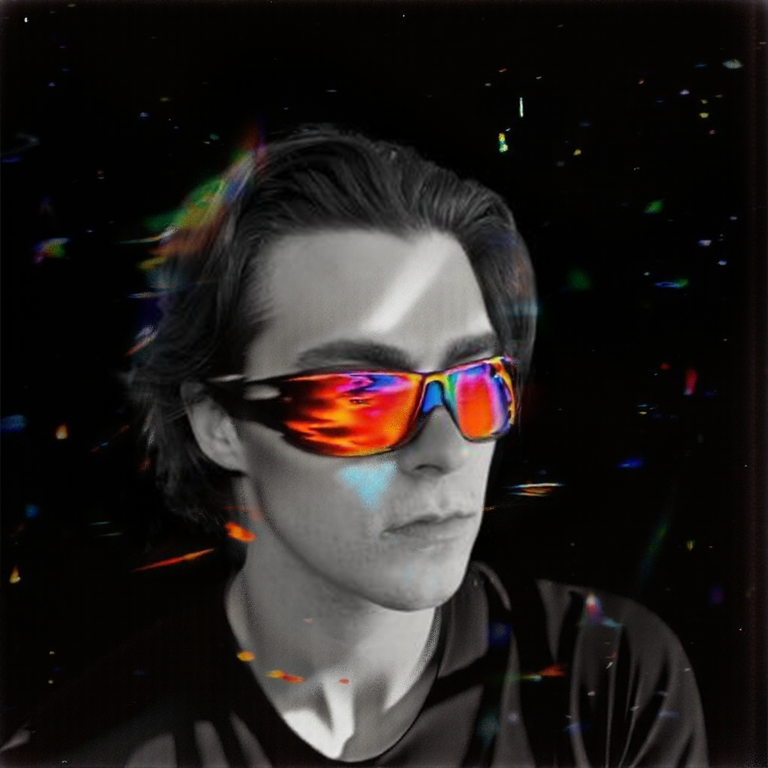
1 image input Split Stack - Qwen Multiangle + Wan 2.2
SCAIL-2: Character Replacement
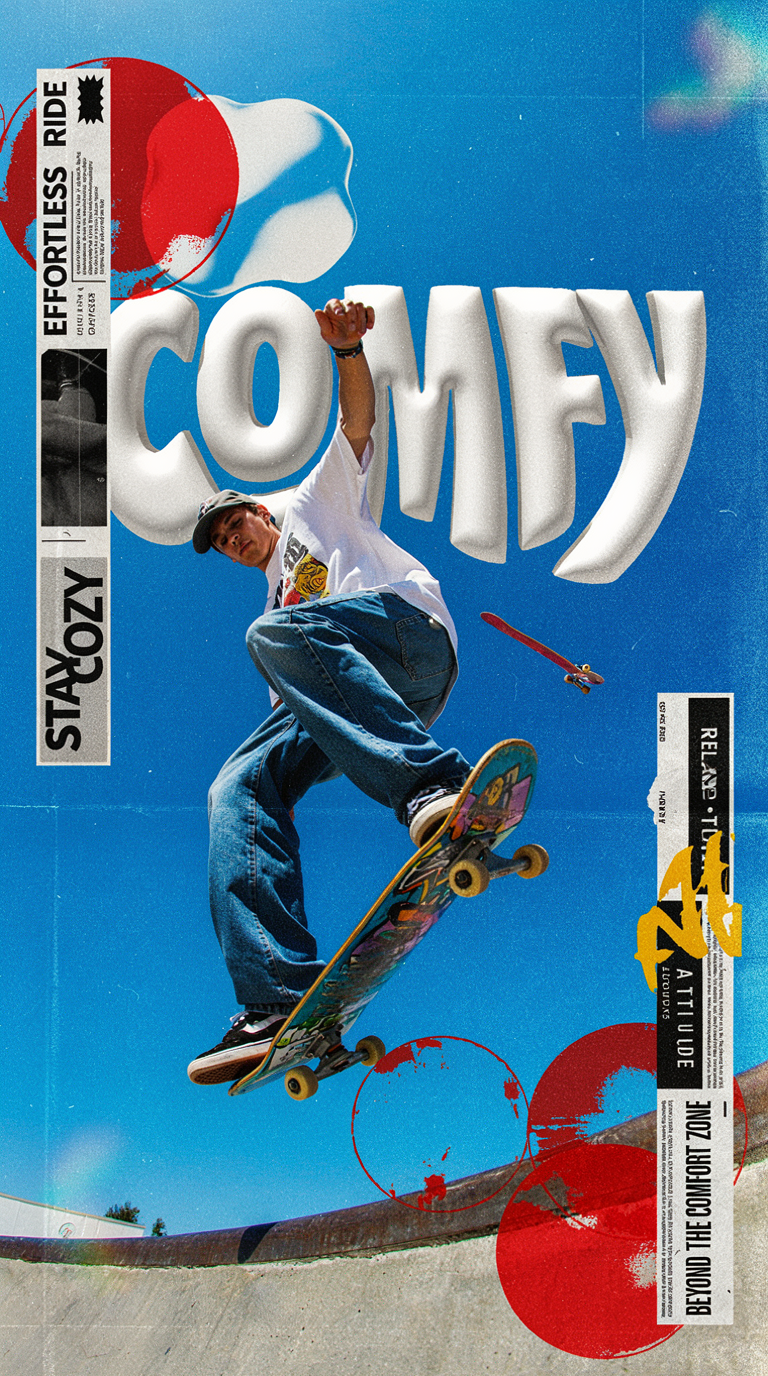
Ideogram v4: Text to Image
Googly Eyes

Seedance 2.0 - Viral Videos Character Swap
Seedance 2.0 Reference to Video - Concept Art + Stop Motion Style


Nano Banana 2: Image Edit

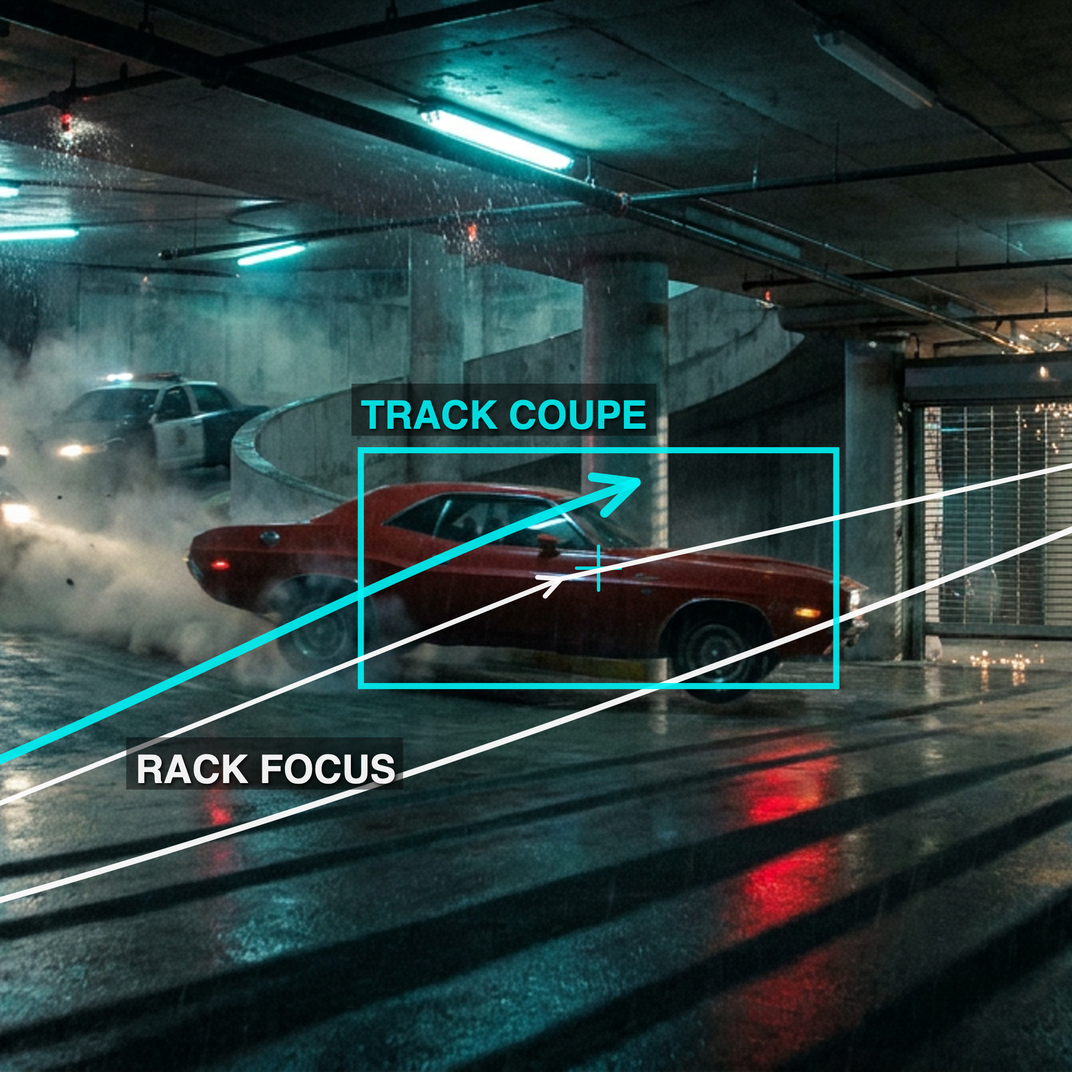
cinematic_annotate_video
Beeble SwitchX: Video Edit
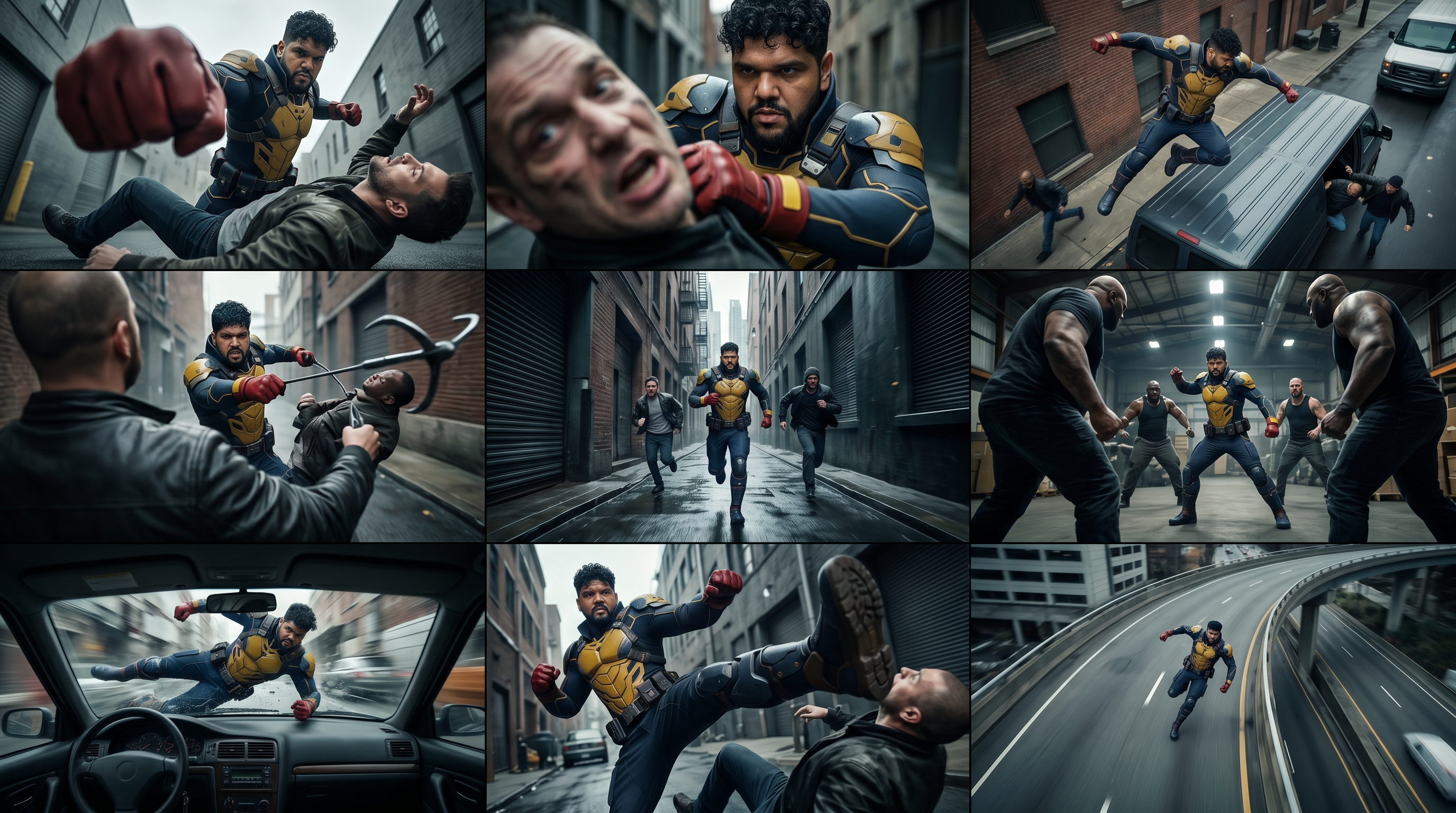
3x3 Contact Sheet

Restore Archival Footage - LTX 2.3 Dearchive LoRA
Remove Object from Video - LTX 2.3 Obscura Remova LoRA
Stylize Video - Frame by Frame - Flux.2 Klein 4b

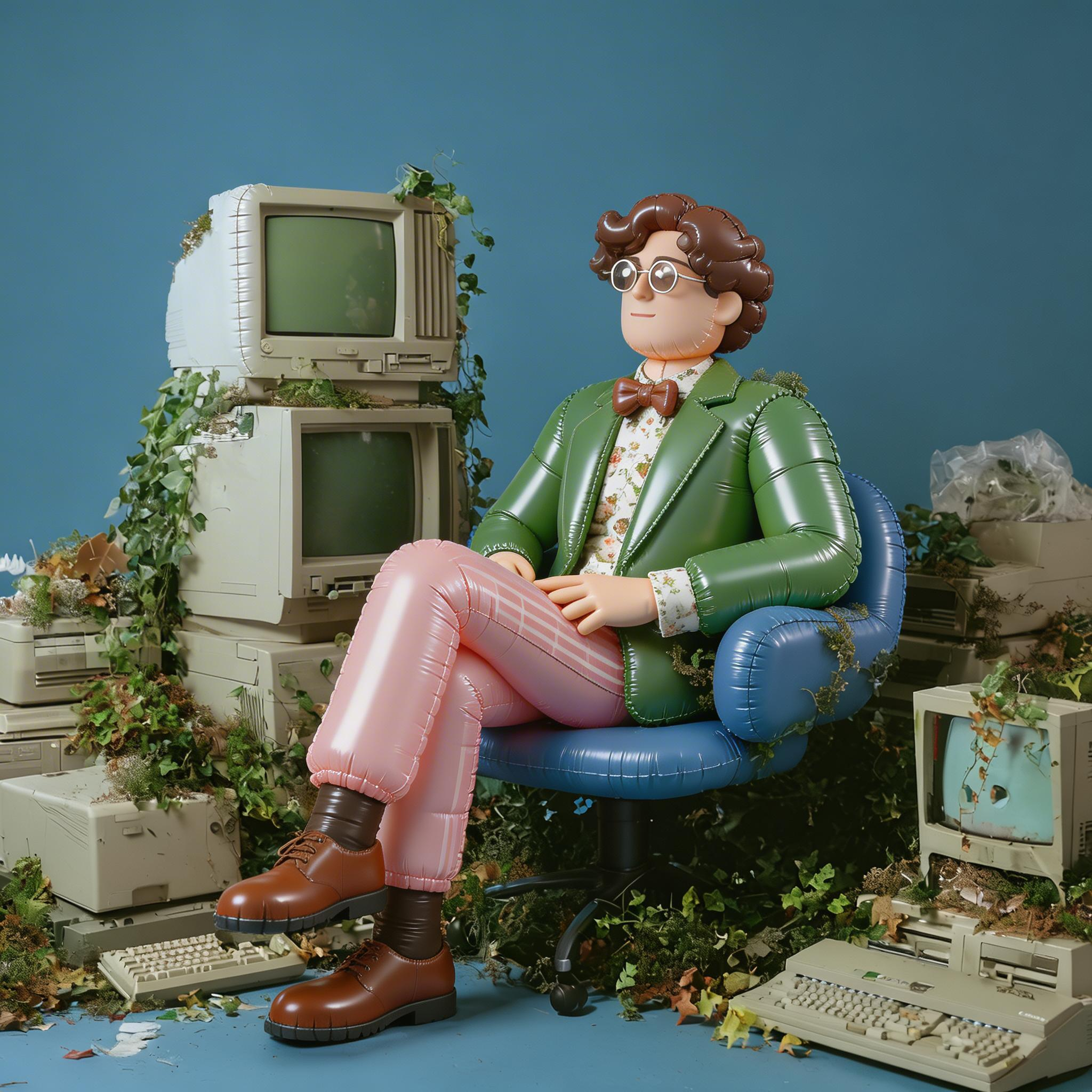
Seedream 5.0 Lite: Image Edit
Utility Video Upscale
1 image input Split Stack - Nano Banana 2 + Kling 3.0
Stable Audio 3.0 Medium Base
SYSTMS ACTION: QWEN IMAGE EDIT 2511
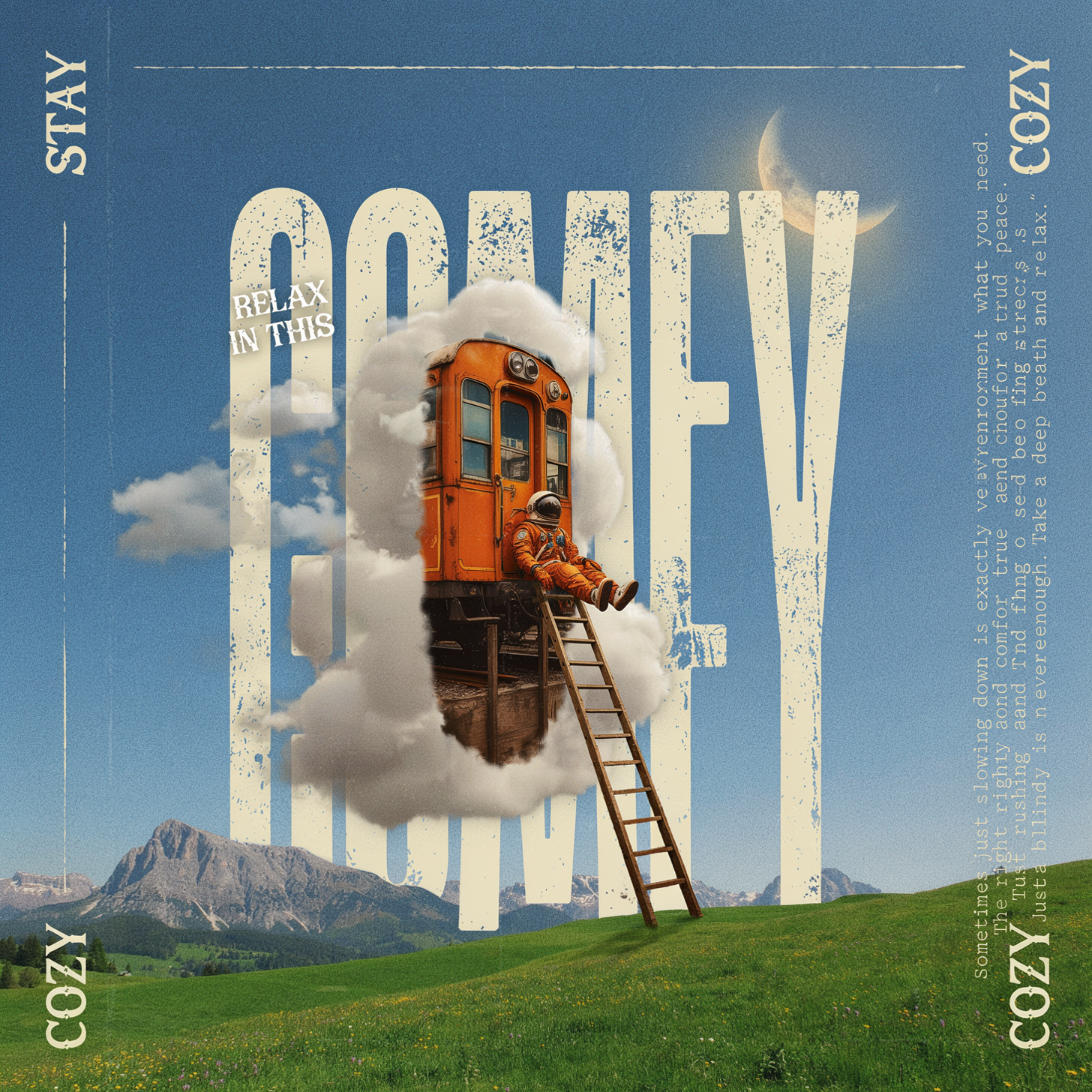
Ideogram v4: Text to Image (API)
Krea 2 Moodboards