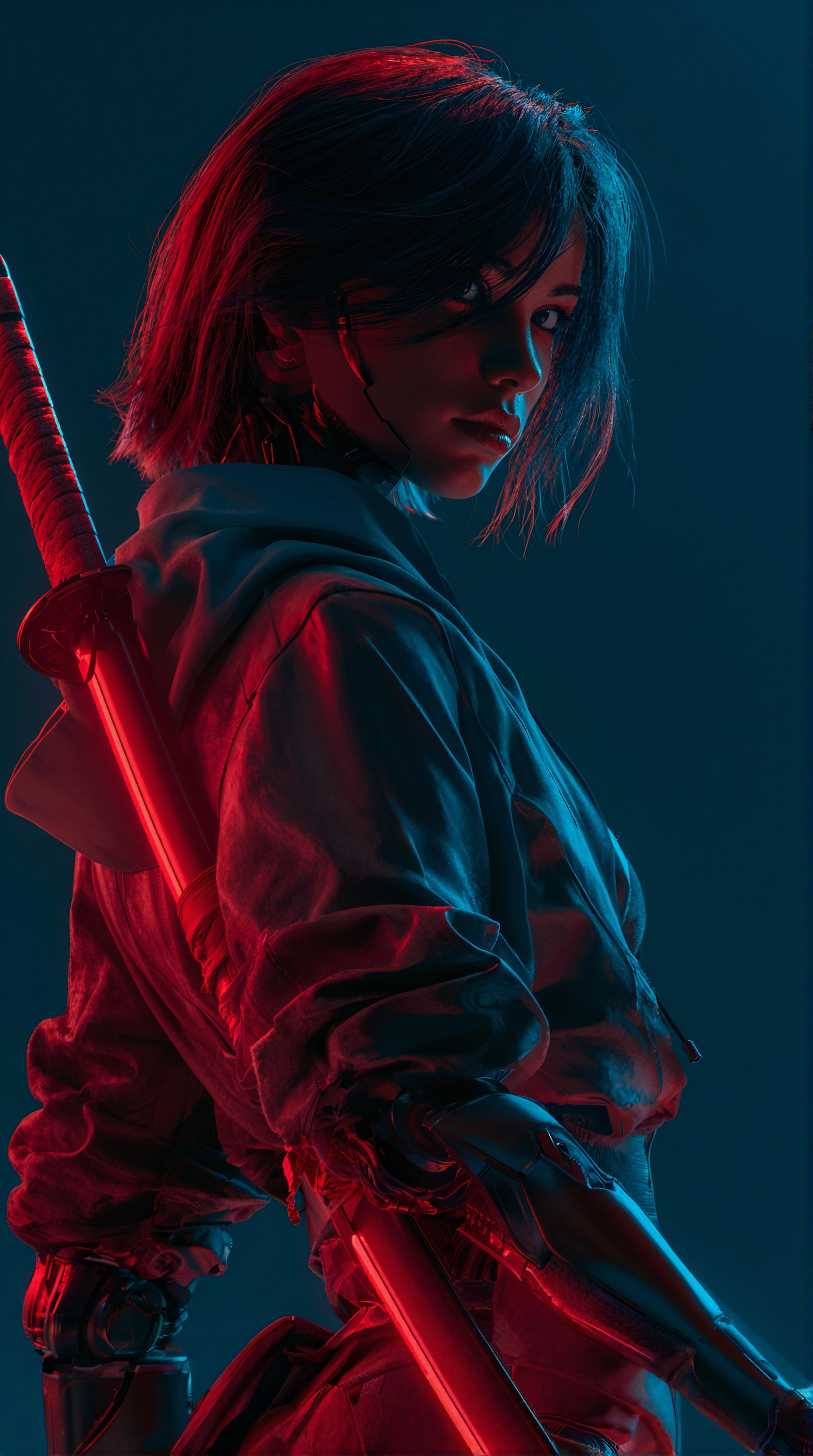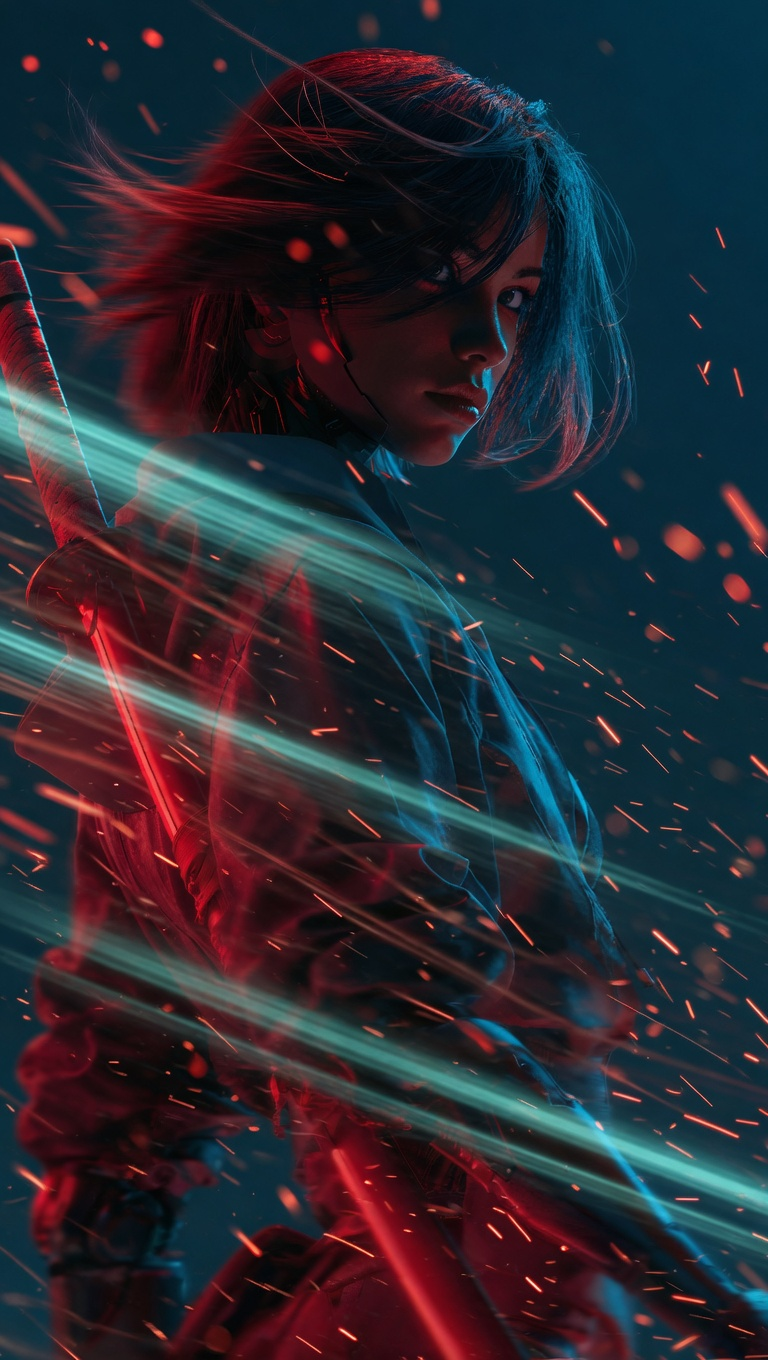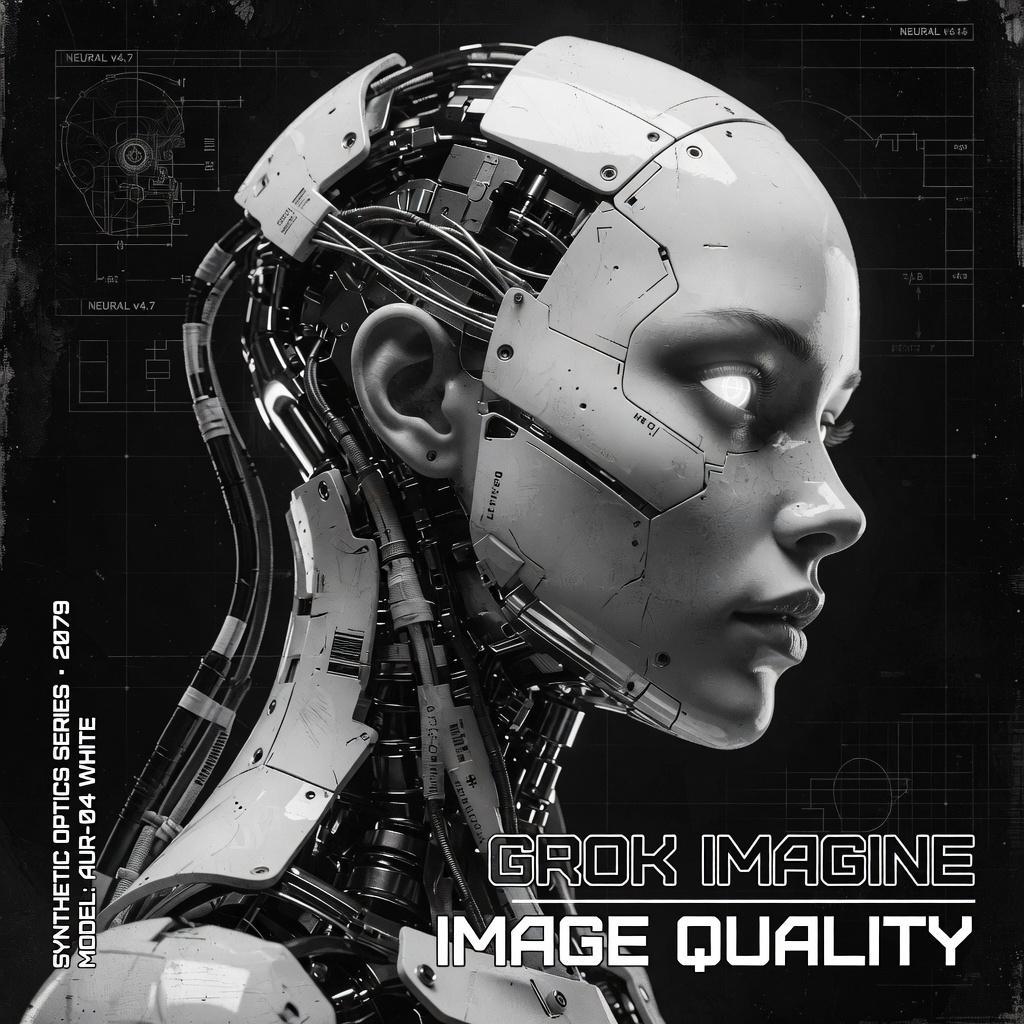
This ComfyUI workflow uses GrokImageNode to generate images from text prompts via the Grok Imagine API, then saves the results with SaveImage. It’s designed for cases where you want clean, readable text inside images (signage, posters, UI mockups) alongside strong visual detail. The pipeline is intentionally minimal—prompt in, image out—so you can focus on prompt craft and rapid iteration.
Technically, GrokImageNode sends your prompt and any parameters exposed by the node (such as aspect ratio/dimensions, seed or image count, depending on your build) to the remote Grok Imagine model, returning a generated image tensor to ComfyUI. The SaveImage node then writes that image to ComfyUI’s output directory using your chosen filename prefix. The result is a straightforward, reliable text-to-image flow that leverages an external API for quality and better text rendering, while keeping all the convenience of ComfyUI’s node-based workspace.
Frequently Asked Questions
GrokImageNode calls the Grok Imagine API, so it requires an active internet connection and a valid API key. The generation happens remotely; saving occurs locally via SaveImage.
Keep embedded text concise, place it in quotes in your prompt, and specify context (e.g., “street sign,” “poster,” or “UI screen”). Choose an aspect ratio that matches the intended layout and avoid overly long or complex sentences.
SaveImage writes files to ComfyUI’s output directory, using the filename prefix and format you set in the node. Open the node to adjust the prefix, format, or subfolder if those options are available in your build.
If your GrokImageNode build exposes a seed parameter, set and reuse the same seed to help with reproducibility. Also keep prompts and other parameters identical between runs.
Seedance 2.0: Reference to Video



Z-Image-Turbo Text to Image
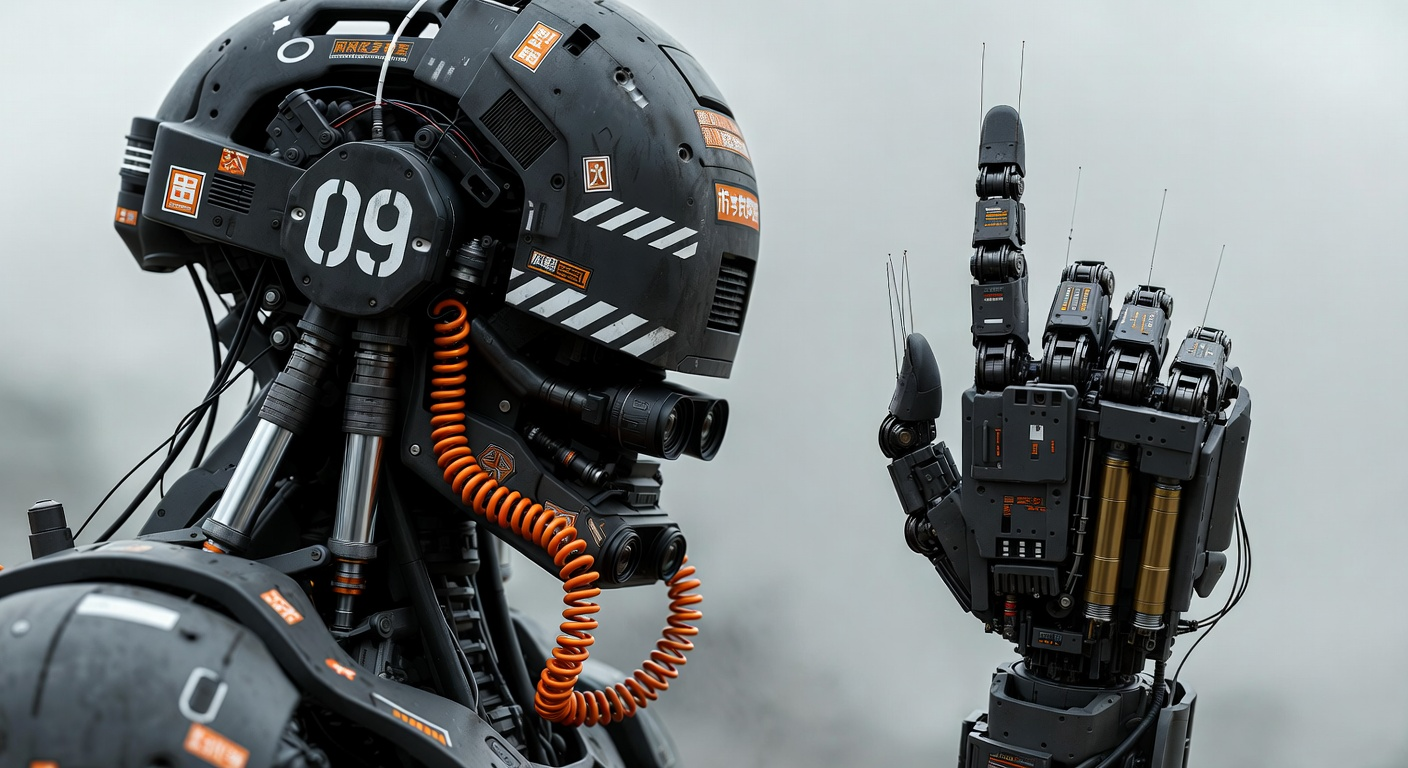
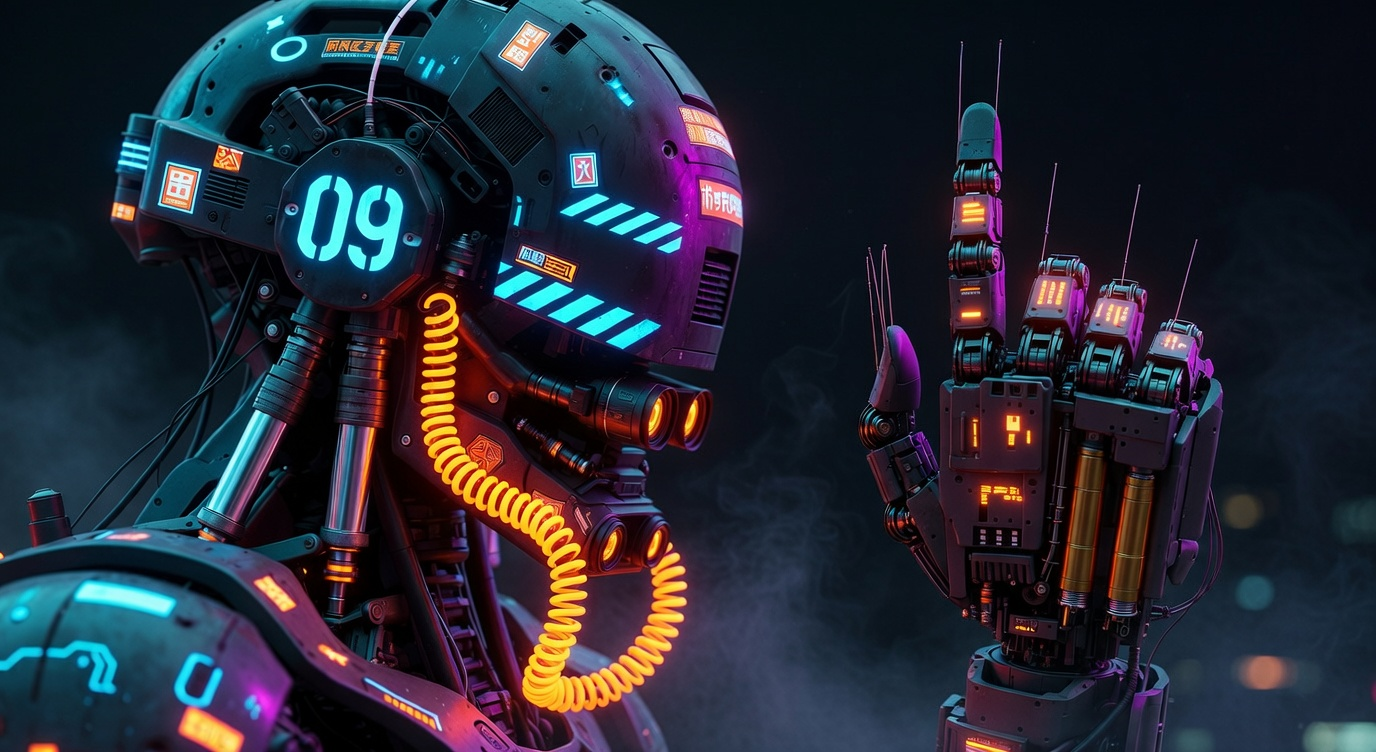
Grok: Image Edit

Grok: Video generation
LTX 2.3 - Lipdub LoRA + Voice Clone
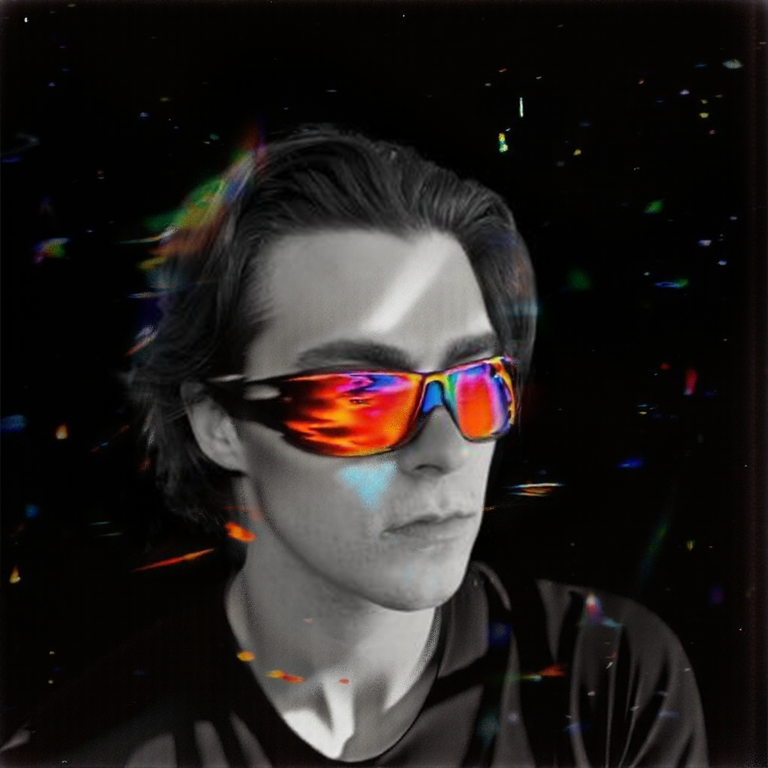
1 image input Split Stack - Qwen Multiangle + Wan 2.2
SCAIL-2: Character Replacement
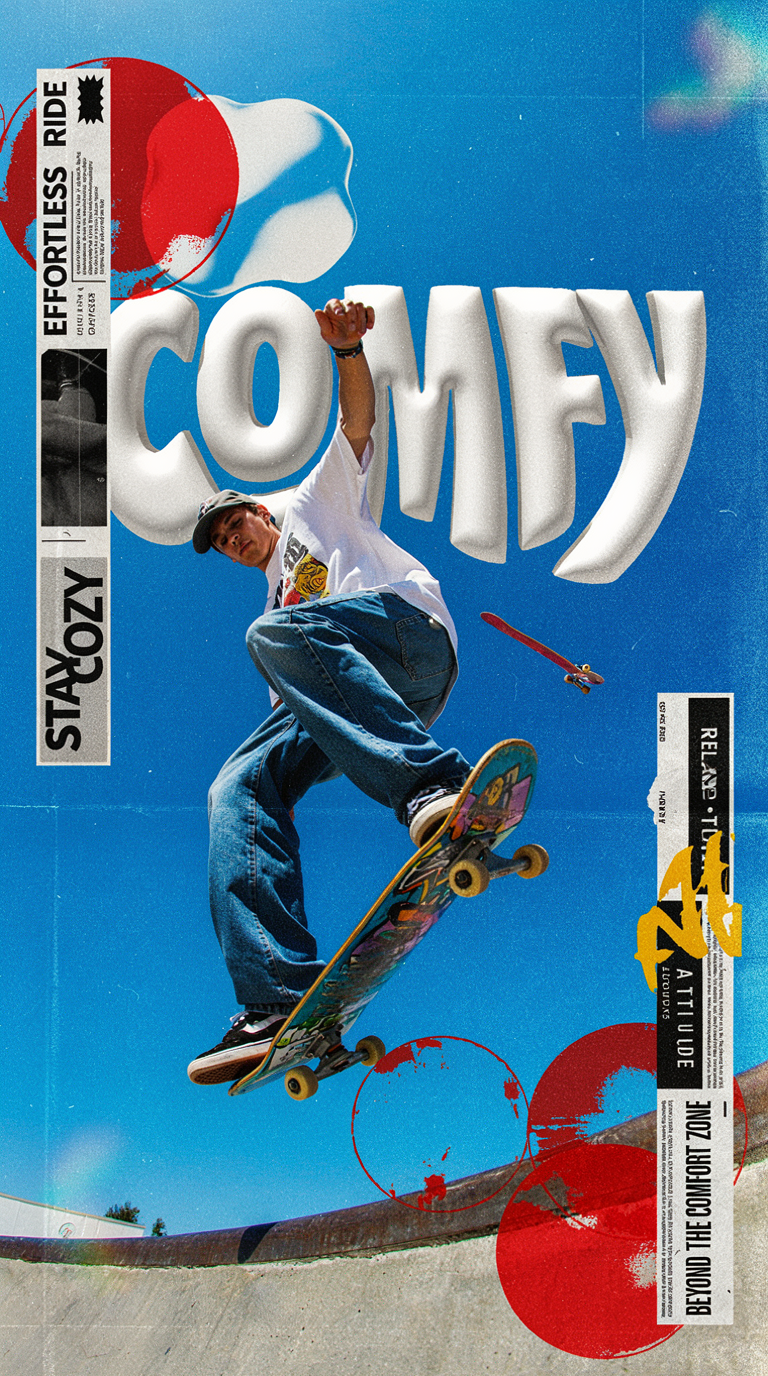
Ideogram v4: Text to Image
Googly Eyes

Seedance 2.0 - Viral Videos Character Swap
Seedance 2.0 Reference to Video - Concept Art + Stop Motion Style


Nano Banana 2: Image Edit

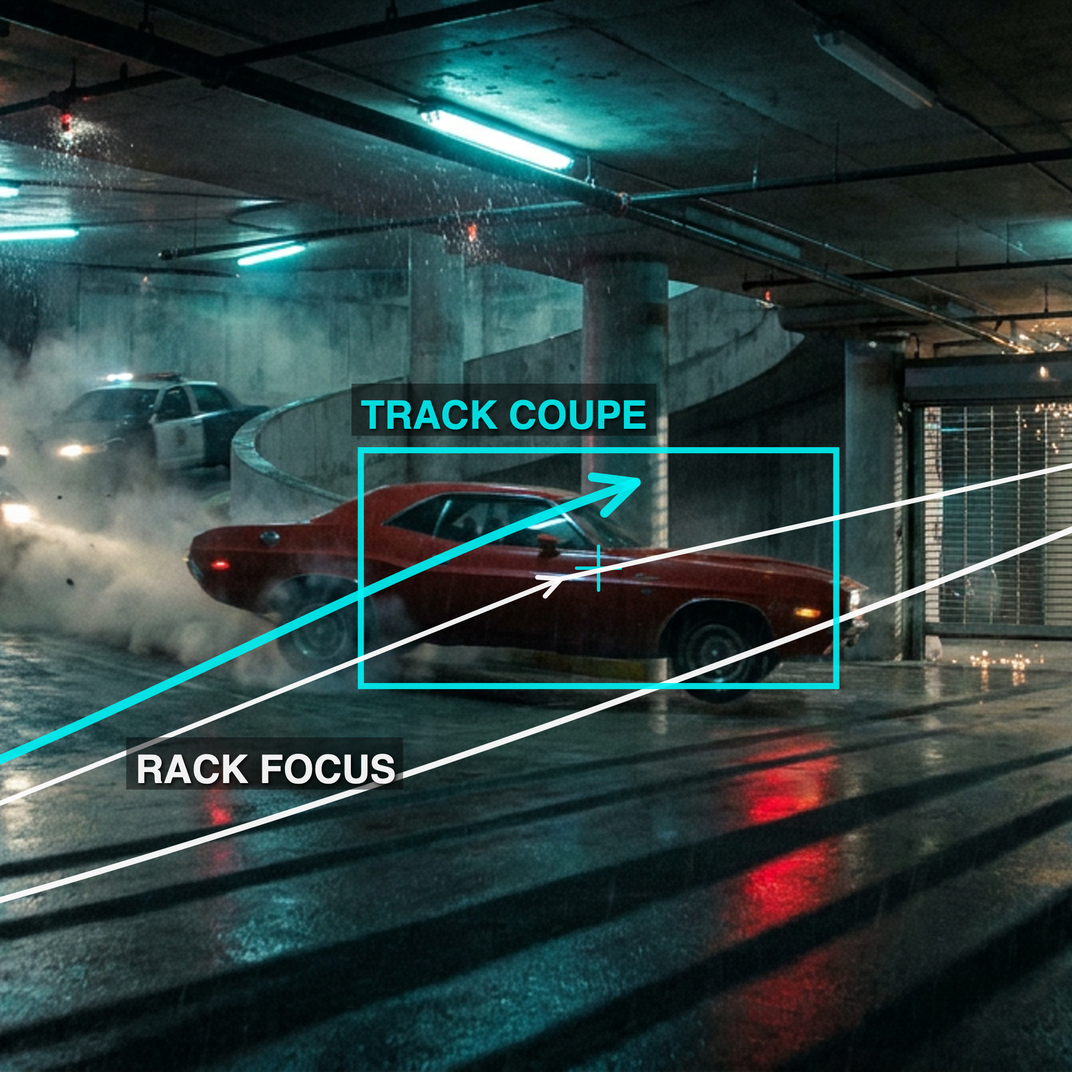
cinematic_annotate_video
Beeble SwitchX: Video Edit
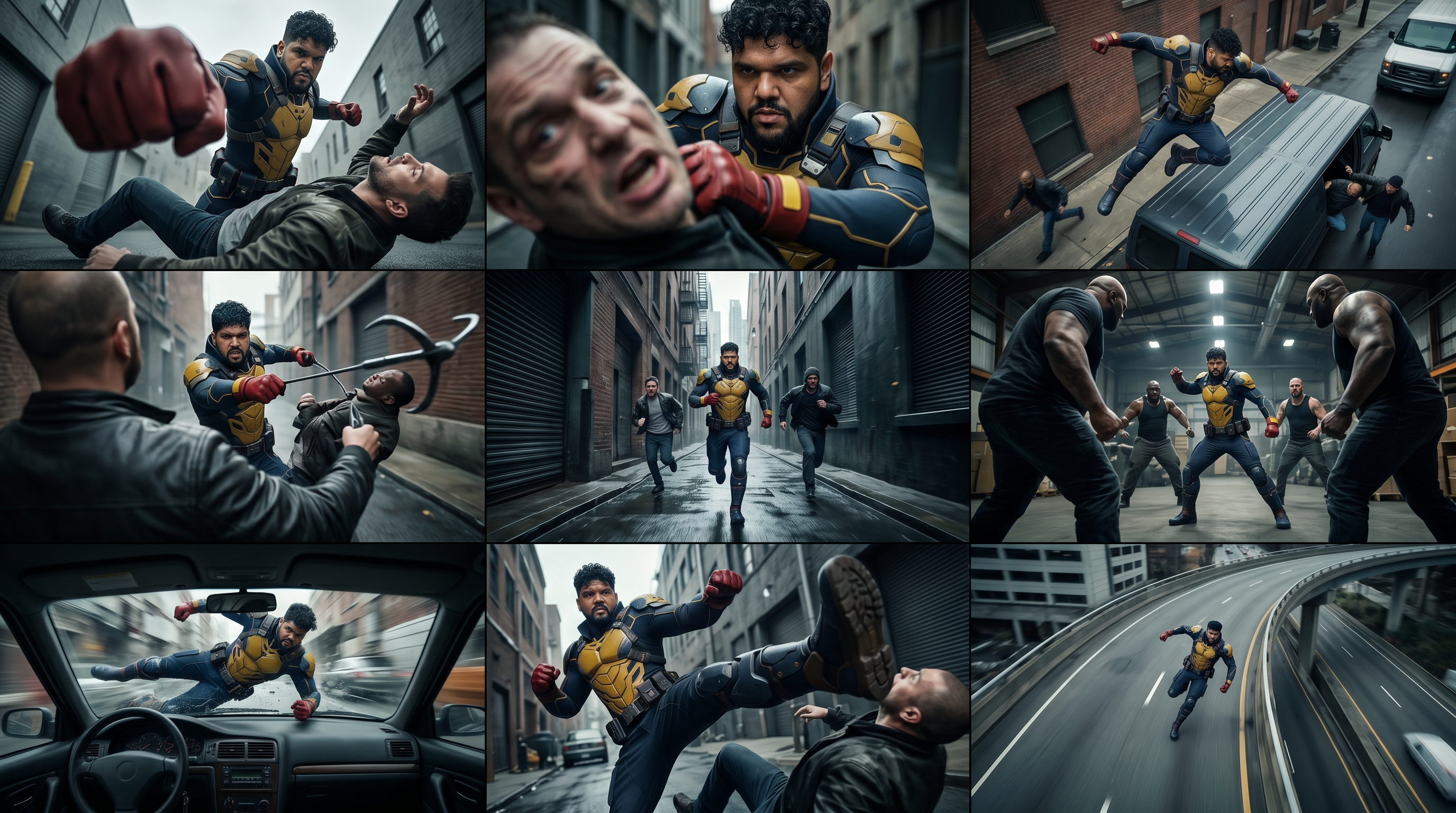
3x3 Contact Sheet

Restore Archival Footage - LTX 2.3 Dearchive LoRA
Remove Object from Video - LTX 2.3 Obscura Remova LoRA
Stylize Video - Frame by Frame - Flux.2 Klein 4b


Seedream 5.0 Lite: Image Edit
Utility Video Upscale
1 image input Split Stack - Nano Banana 2 + Kling 3.0
Stable Audio 3.0 Medium Base


SYSTMS ACTION: QWEN IMAGE EDIT 2511

Ideogram v4: Text to Image (API)
Krea 2 Moodboards